Shopify Integration
Connect your Shopify store to generate, publish, import, and manage articles directly from the Intexa AI platform.
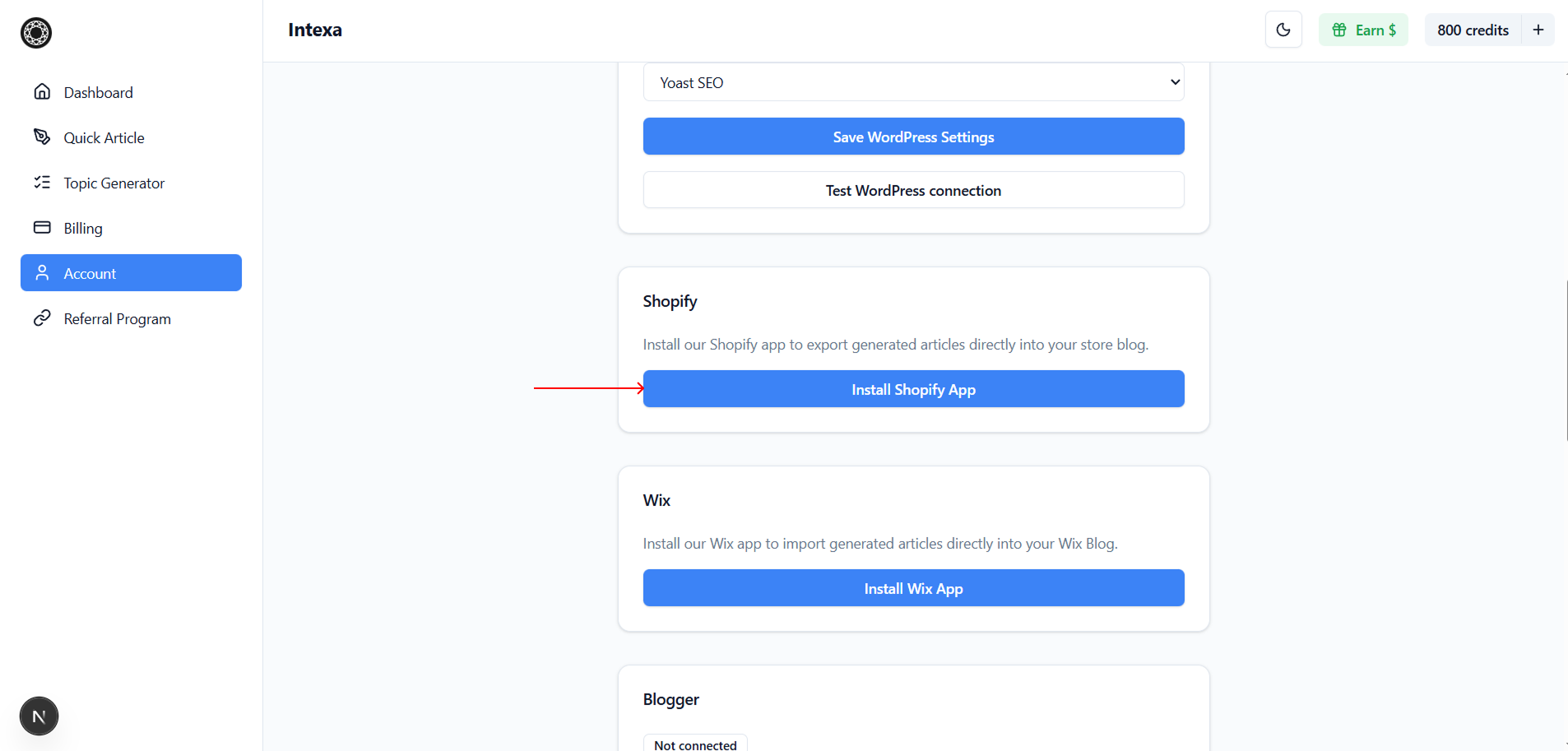
Open the Account section in Intexa AI, go to Shopify, and click Install Shopify App to start the integration process.
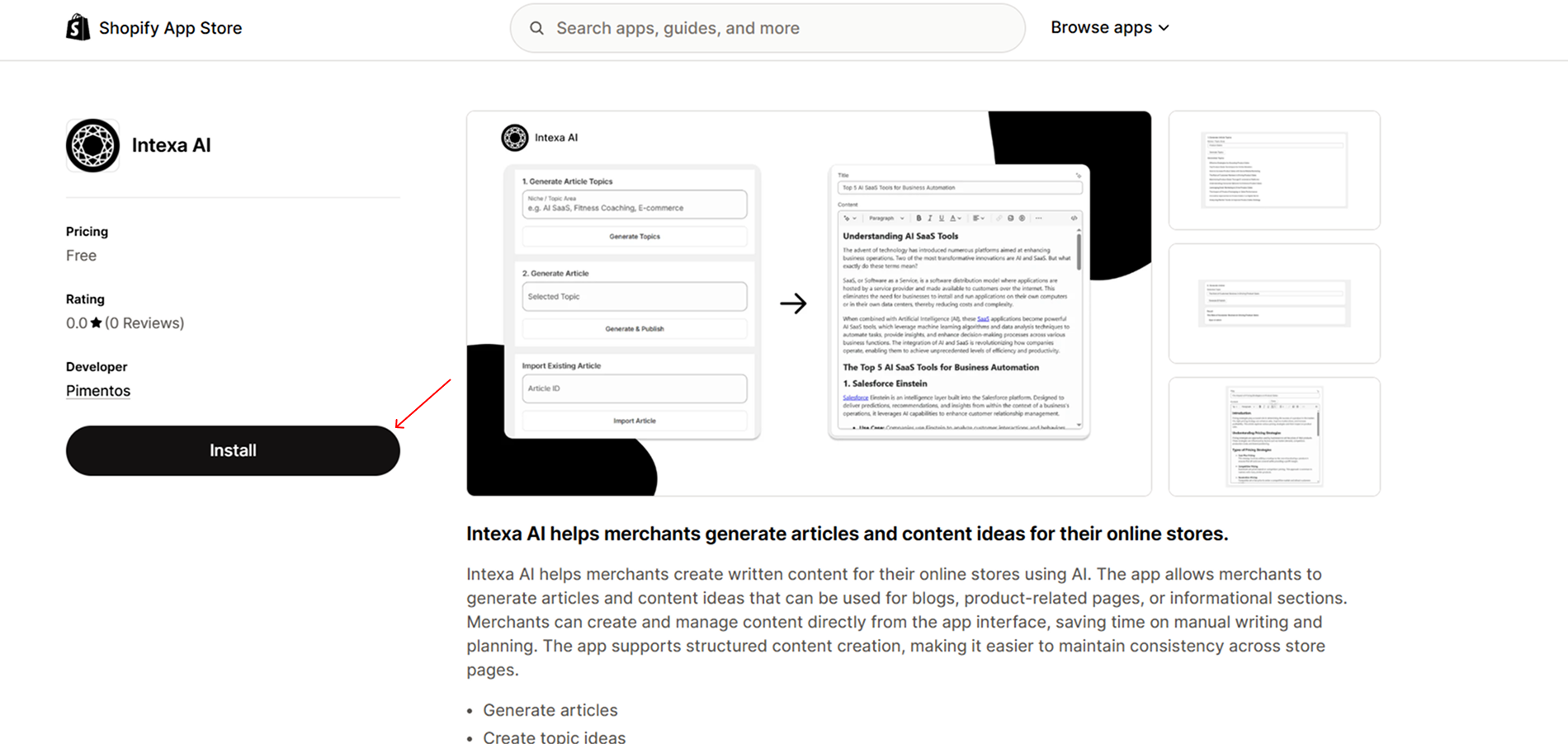
In the opened Shopify App Store page, install the Intexa AI application to your Shopify store.
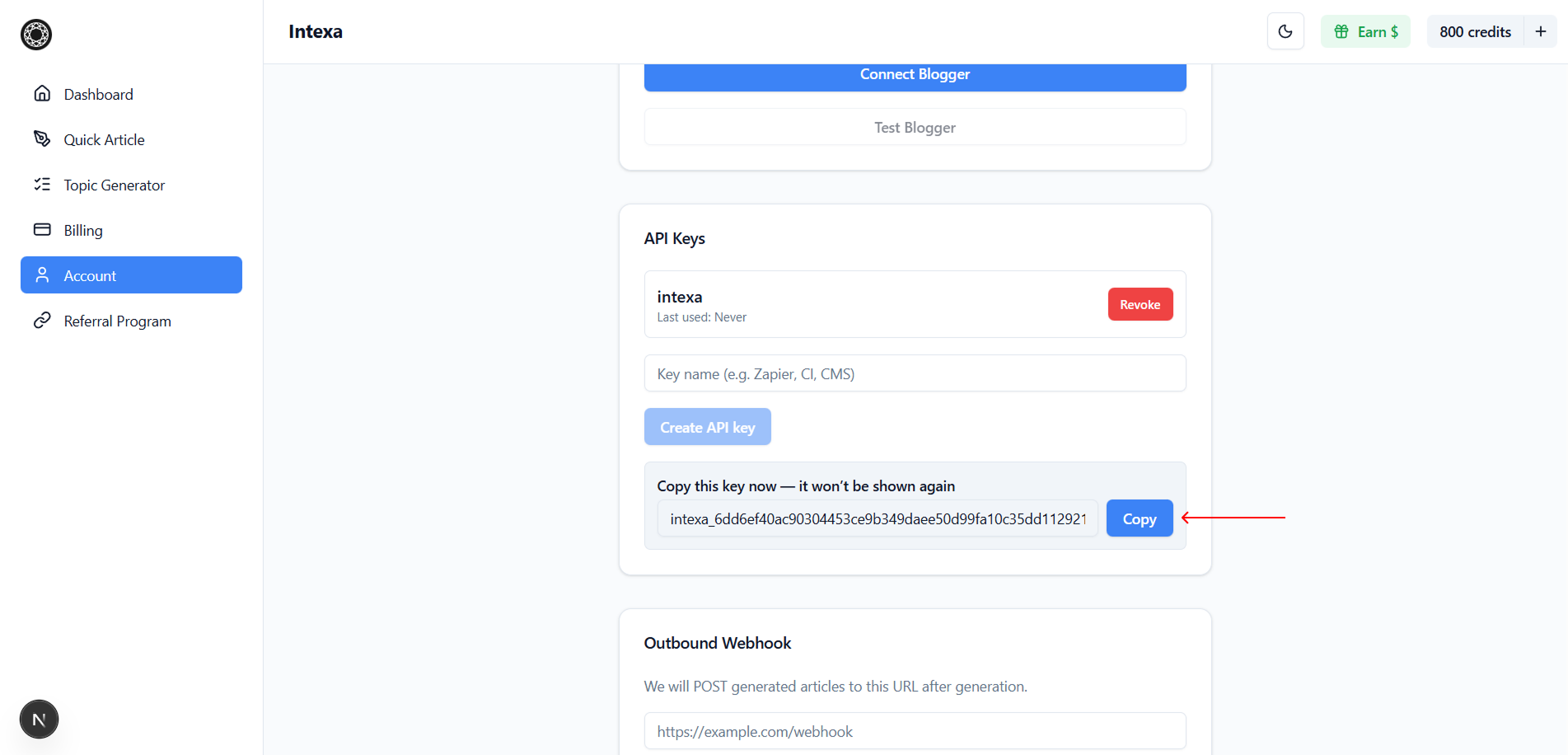
Return to the Account section in Intexa AI and navigate to API Keys. Enter a name for the API key and click Create API Key.
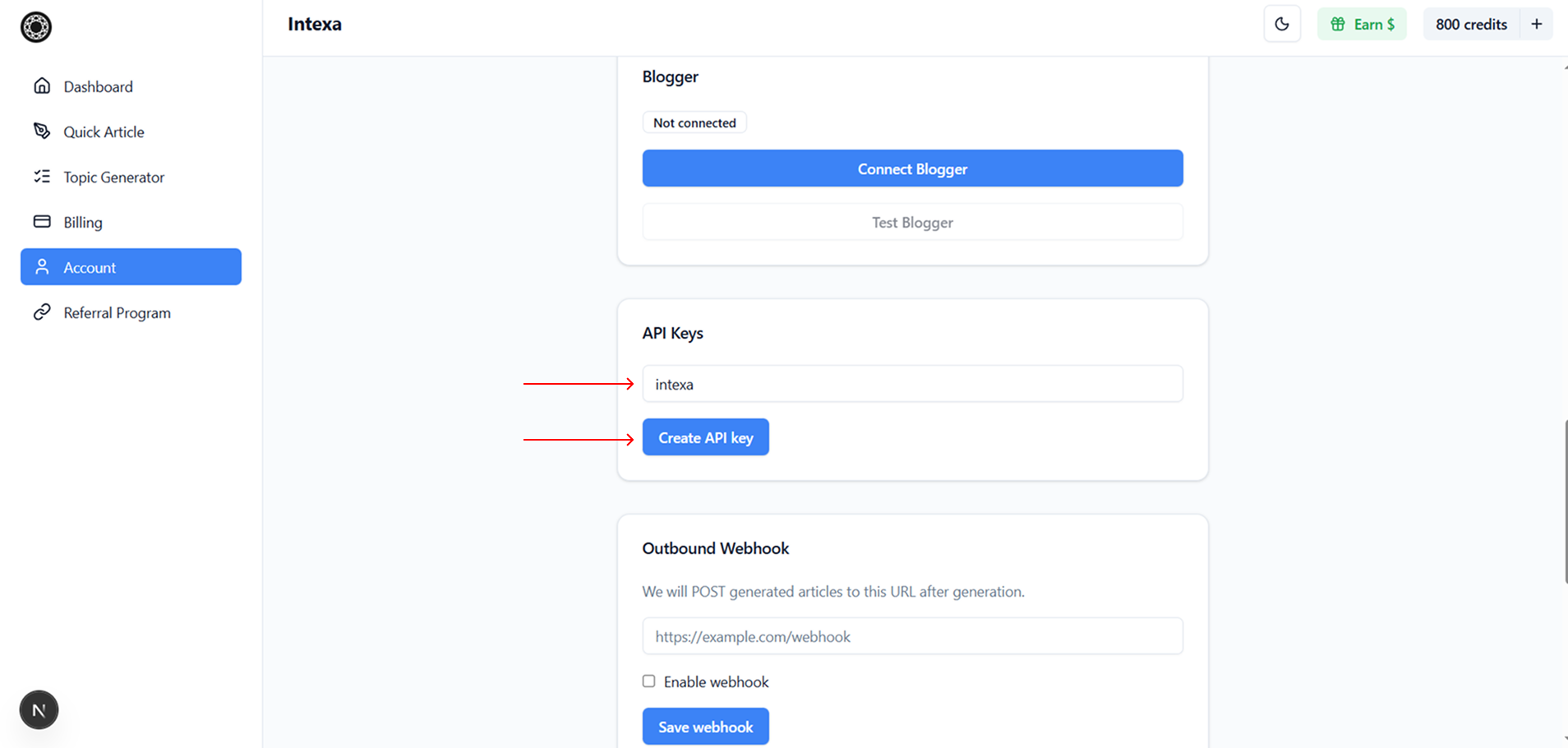
Copy the generated API key. This key is shown only once and will be used to connect the Shopify app with your Intexa AI account.
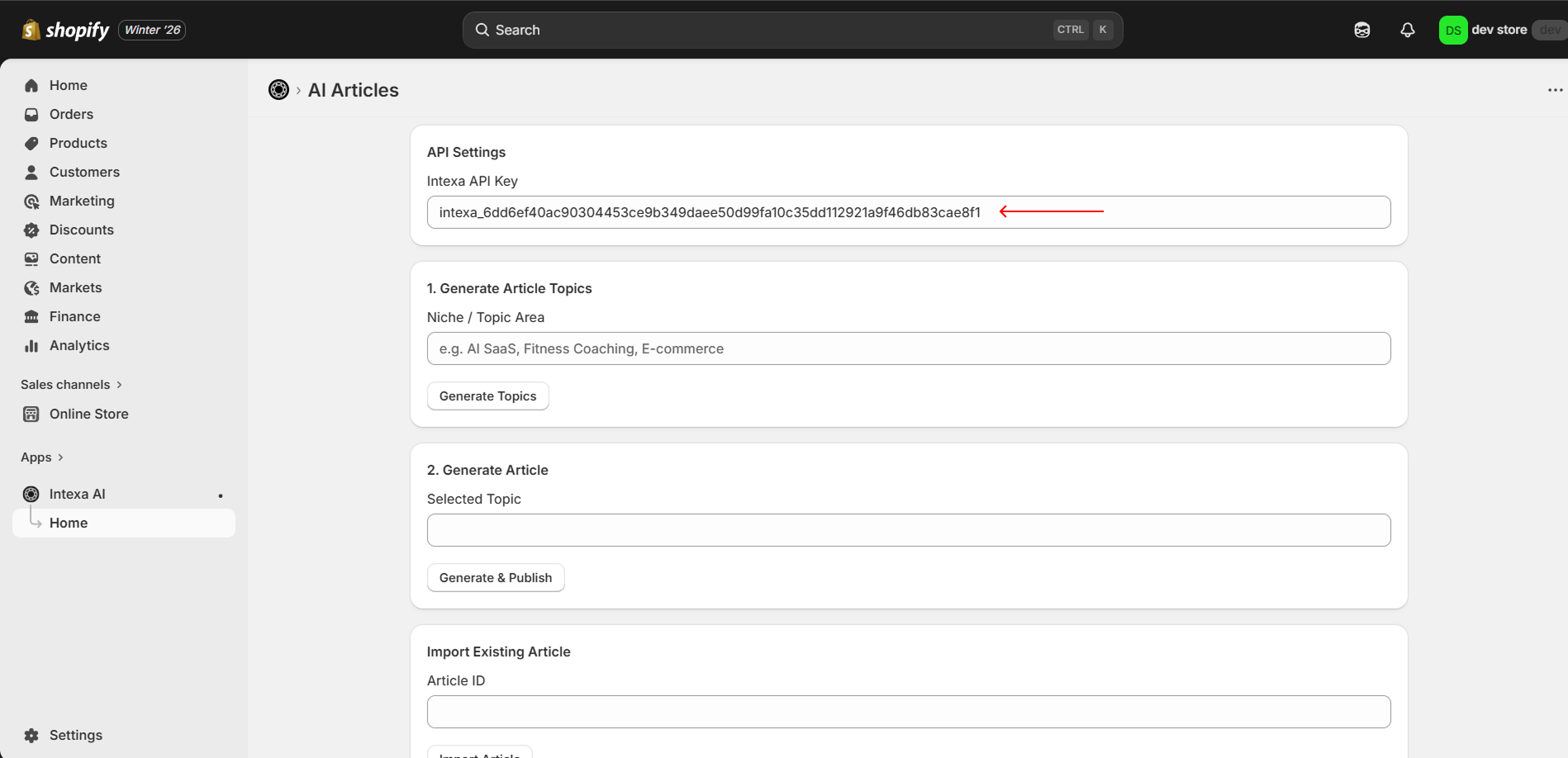
Open the Intexa AI app inside your Shopify Admin panel, paste the copied API key into the connection field, and save the integration.
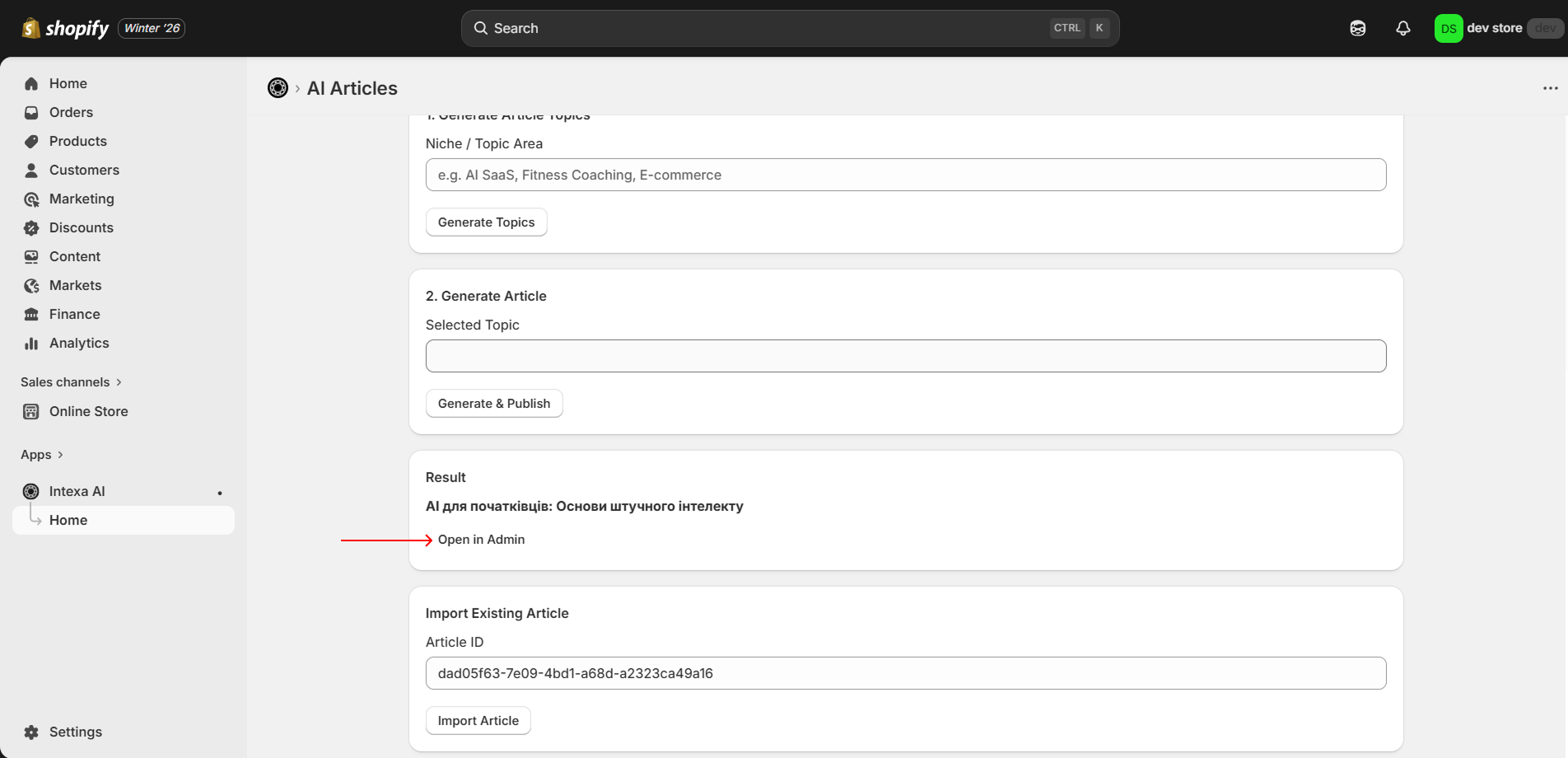
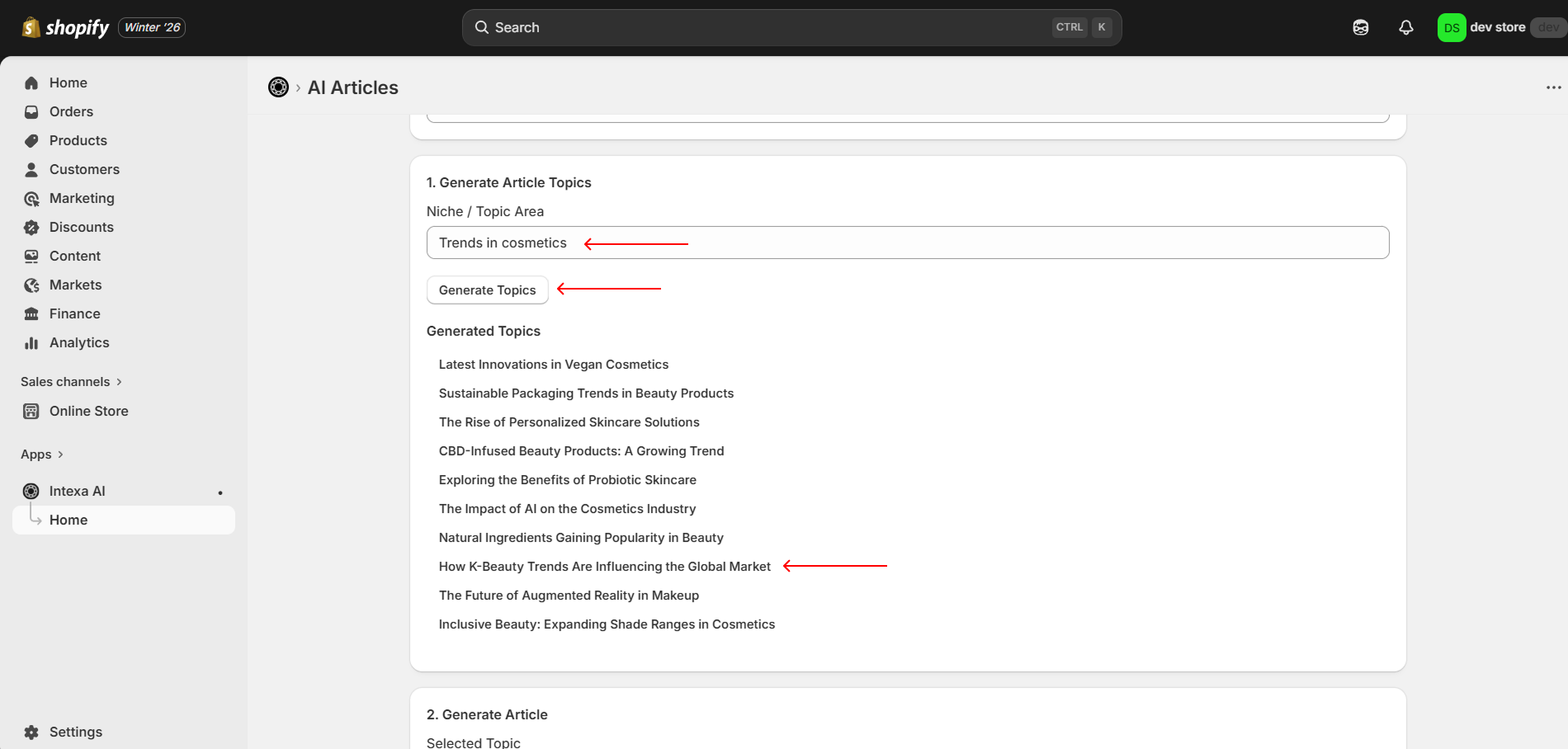
To generate content ideas, enter your niche or topic area and click Generate Topics. To create an article, click on one of the generated topics.
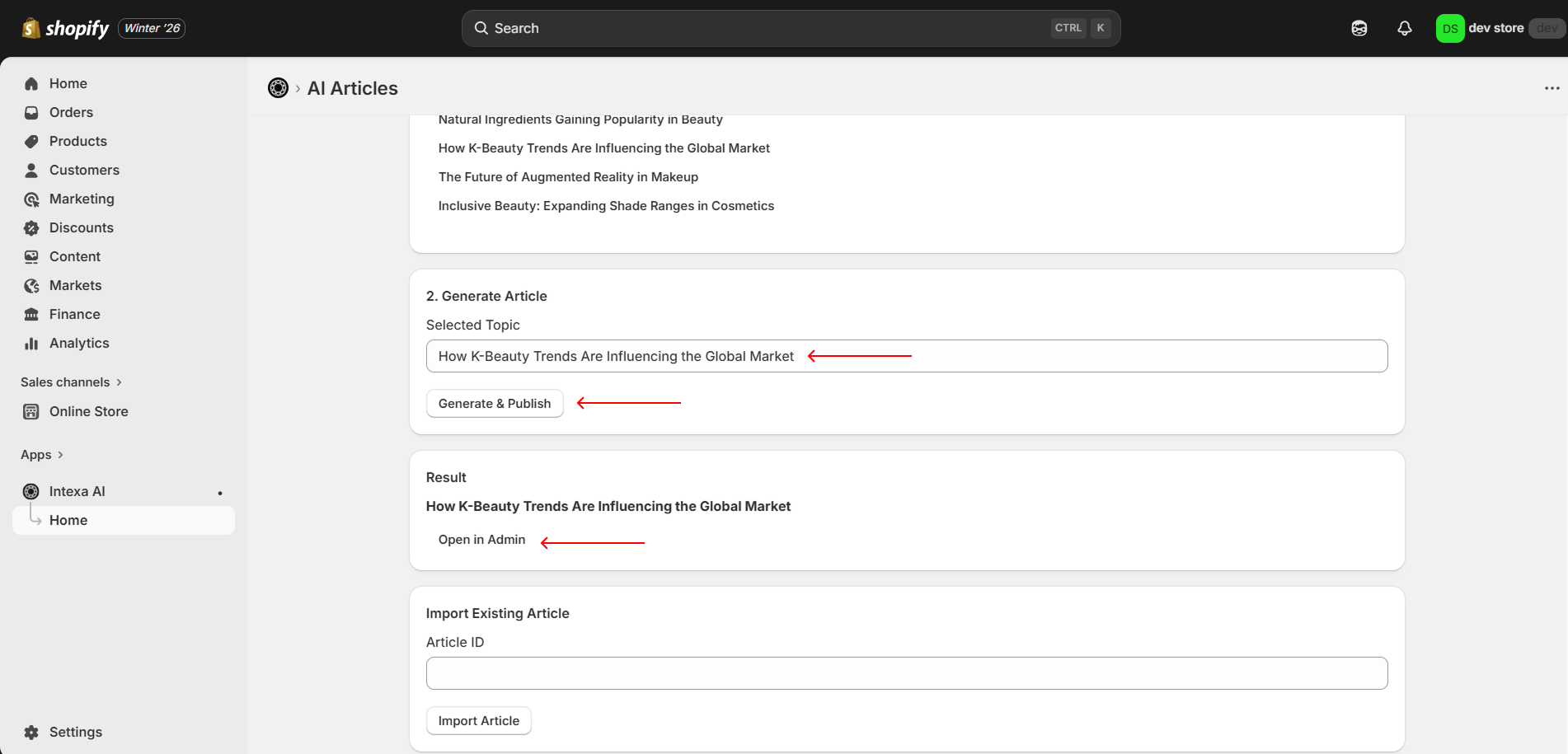
You can also enter your own topic in the Generate Article section and click Generate & Publish. After successful generation, click Open in Admin.
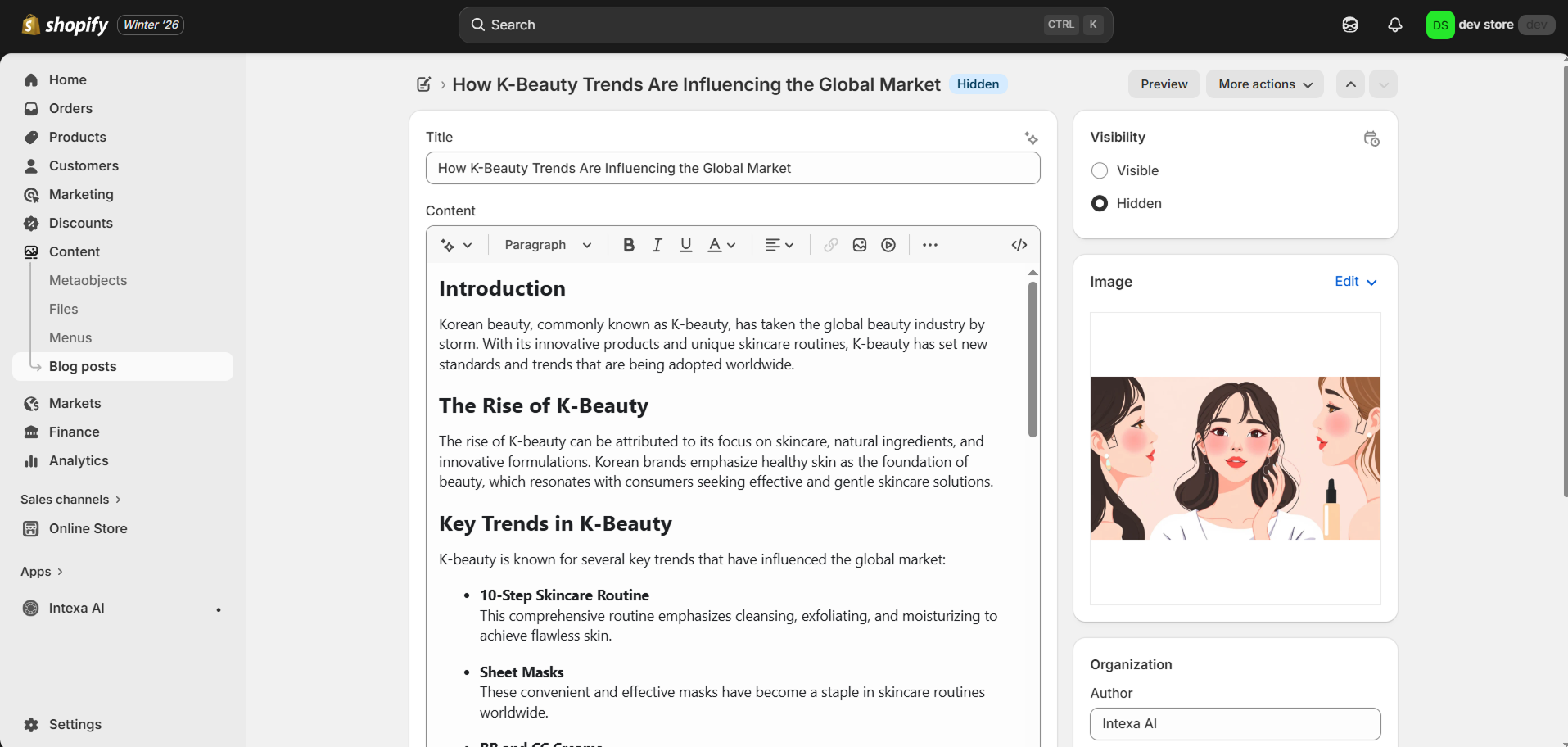
The generated article will open in your Shopify Admin, where you can review, edit, and publish it when ready.
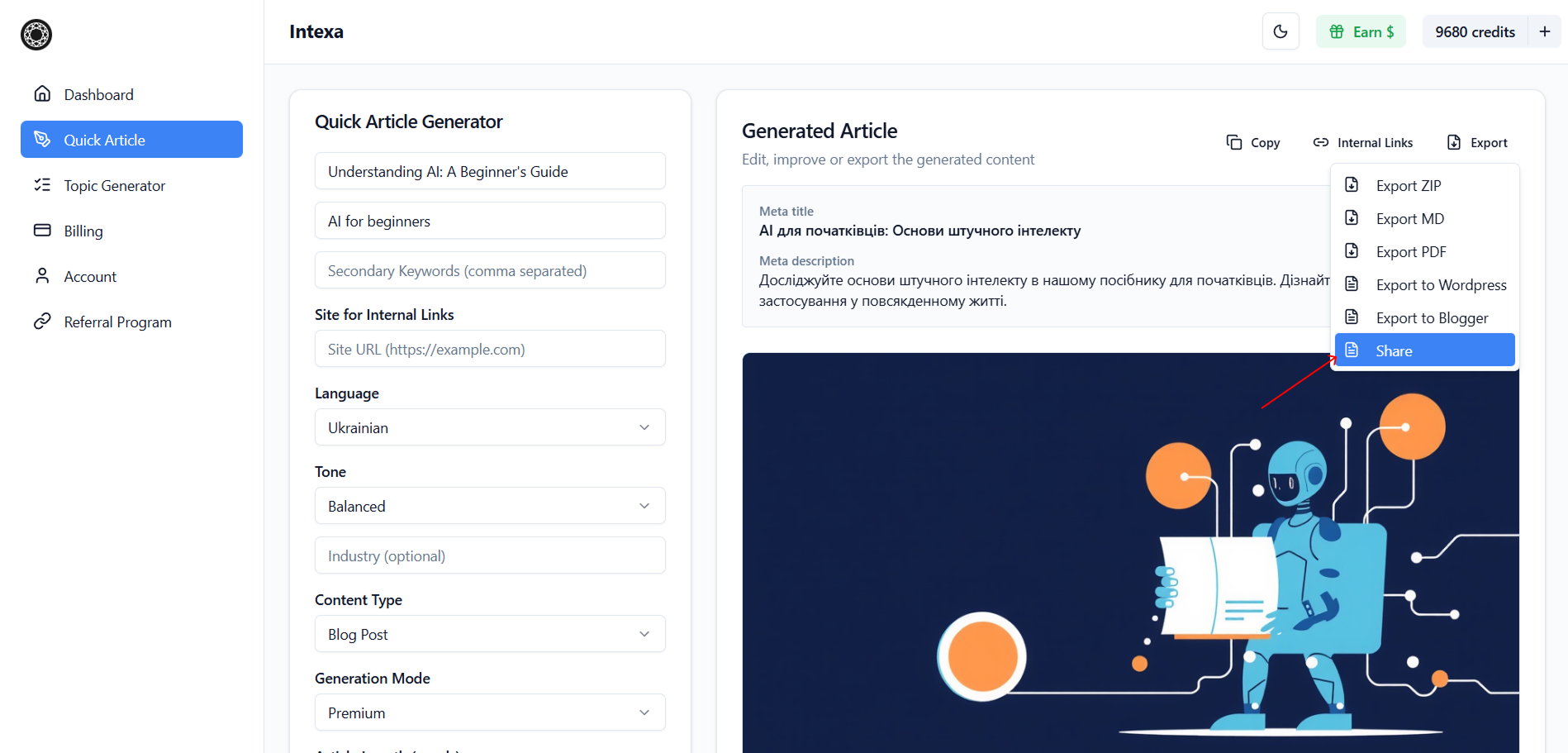
To export an article manually, click Export and select Share. This will copy the article ID to your clipboard.
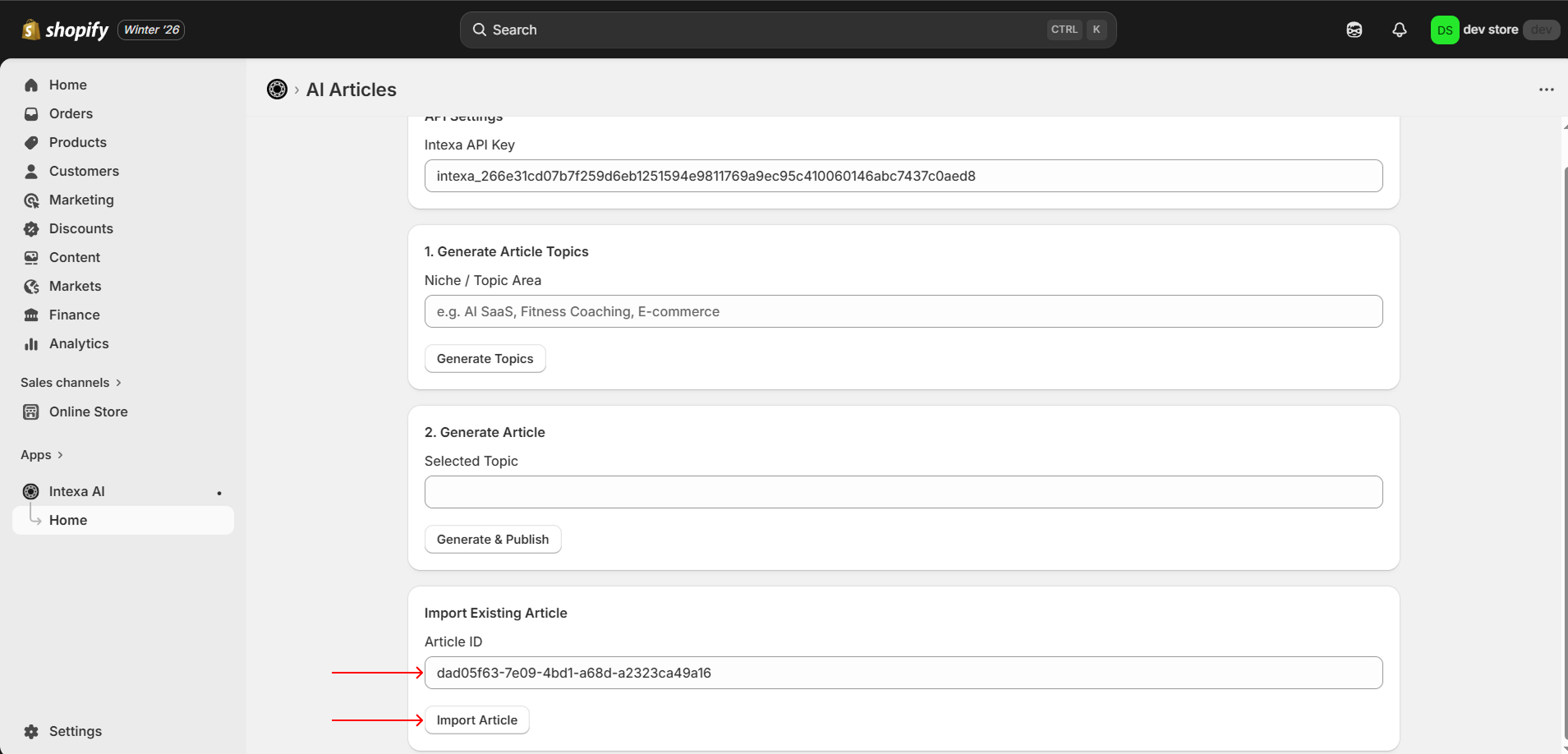
Open the Intexa AI app in Shopify Admin, paste the copied article ID into the import field, and click Import Article.
After importing or generating the article, click Open in Admin to view and manage the content in Shopify.